Stay hydrated!
Published on in 💬 Micro
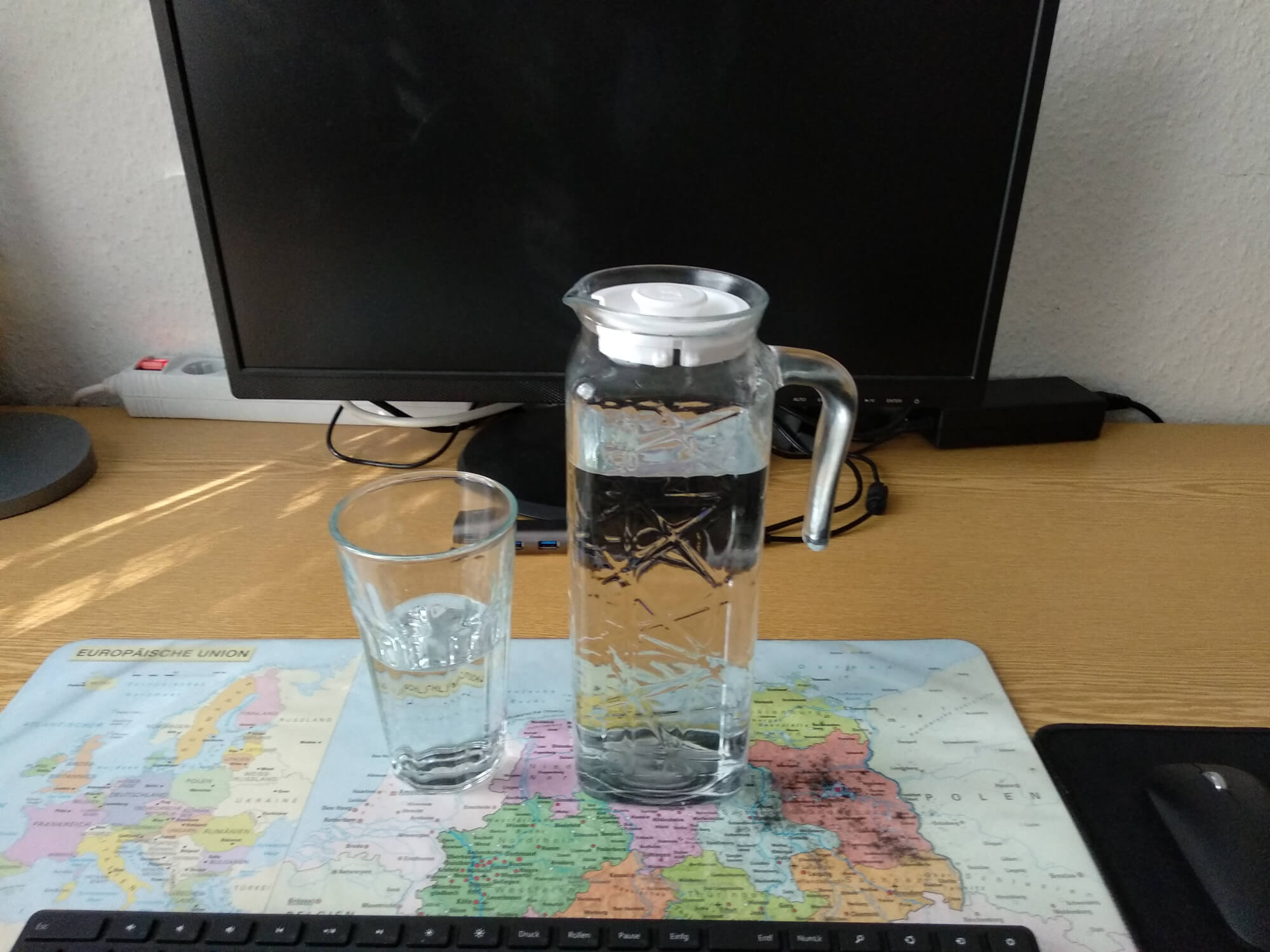
I bought myself a cheap glass jug to always have enough water in reach. Stay hydrated! 🚰
🖼️ View

Tech, life and everything else
This section is for short notes, thoughts or IndieWeb interactions.
I bought myself a cheap glass jug to always have enough water in reach. Stay hydrated! 🚰
🖼️ View
It’s a user agent with JavaScript enabled, because that’s what sends the page view to my statistics tool. And it’s just my homepage (jlelse.dev) and not the home page from my blog. I won’t rate limit though, my site is cached using BunnyCDN and as long as it doesn’t cause gigabytes of traffic, I’ll just let things as they are.
I don’t know what’s the reason for that, but for the last few days someone with Windows 8.1 and what seems like the latest version of Chrome (at least that’s what the User-Agent string is telling) is messing up my homepage stats with hundreds of visits per day. Maybe it’s because jlelse.eu redirects there, which has a quite high Alexa rank and someone is scraping the site every few minutes? 🤔
A small life update:
I’ve been quiet for the last few days. But that’s not because something bad happened to me. I am still alive and I have spent a lot of time with my partner, first preparing her oral exam and then celebrating her excellent results. Additionally I had to give a presentation myself.
And as it seems, the summer heat is coming right on time after these tests. The last days it was already around 20 to 25 degrees. Today even 30 degrees. In the sun it is everything but pleasant and I prefer to hide in the apartment.
I stumbled over Twemoji by Twitter 🐦 and a Hugo module for Twemoji and thought it might be a good idea to use Twemoji on my blog (I didn’t use the Hugo module, but integrated it directly into my theme - with a few optimizations). In my Flatpak Firefox on Ubuntu most emojis don’t have a color and it isn’t really fun to use emojis in my blog posts when they don’t look great everywhere. Twemoji replaces the Unicode emojis in the browser with SVG images. So if you have JavaScript enabled in your browser, you’ll see emojis that look like on Twitter, otherwise you’ll see the default Unicode emojis from your operating system. So expect an increased use of emojis here. 🤓😂
That’ll be hard to do with Hugo. There’s no way to tell it to use absolute URLs in the feeds only. I’ll need to set up an extra step of some kind. I’ll check it out.
I use a partial in my Hugo theme to replace relative links with absolute links in the content in XML (RSS) and JSON (JSON Feed, ActivityStream) files. It has a regular expression to find and replace all relative links with their abolute version. It’s probably easy to modify to replace relative image sources too.
That’s an awesome approach to combine the 90s web with the IndieWeb, Henrique. I really like your new 90s web-inspired website style, well done!
I haven’t been blogging as long as you, Kev, but almost 10 years ago, right at the beginning of secondary school, I had my first experience with websites. 2 or 3 years later I started blogging. In 2017 I have written about my blogging history until then (in German in the third person). I think it will be time soon to write about my blogging history again.
Yesterday evening I hinted that I will give my blog a new design in the next days. I woke up relatively early today and thought that I could just finish it quickly now.
My goals were on the one hand to simplify the design significantly, but on the other hand to save as much HTML and CSS as possible.
Now the page should load even faster than it did before. Almost every page on this blog (except the ones with images) uses less than 10 KB for transfer. All generated files of the blog now only need about 30 MB instead of 60 MB.
Did I succeed?
Yesterday I wrote about a new “blog feature” showing below a post places on this blog where the post was mentioned. Unfortunately this has a high complexity and is not very fast. Today I tried (and managed) to improve the algorithm so that the complexity is just O(n). However, the code does not work as I expected it to, because Hugo does not provide a way to use global variables.
I wonder when the point comes where it is too much effort for me to find workarounds and I just build my own page generator according to my own needs… Most of my blog setup I have already developed myself.