
Why I am using an Android phone instead of a Wahoo
In my last bike trip report, I mentioned that I would review the Wahoo bike computer I ordered once I had a chance to try it out. Well, as it turns out, I sent the Wahoo back and found a solution that works better for me.
Instead of the Wahoo, I’m now using a second Android phone for tracking and routing. Why the switch? The Wahoo Elemnt Roam V2 setup was quite frustrating. It beeped constantly, required frequent updates, and often failed to download the maps. The small screen reminded me of my first smartphone, a Sony Xperia tipo. And all this for 300€? Plus, I didn’t need most of the features the Wahoo offers since I don’t use any sensors.
All I want is a device that tells me when to turn left or right and tracks my ride with Komoot.
Using my primary phone wasn’t an option. With my smartphone being essential for so many things, I didn’t want to risk it. Additionally, the sun shining on the display and heating it up probably isn’t great for the battery.
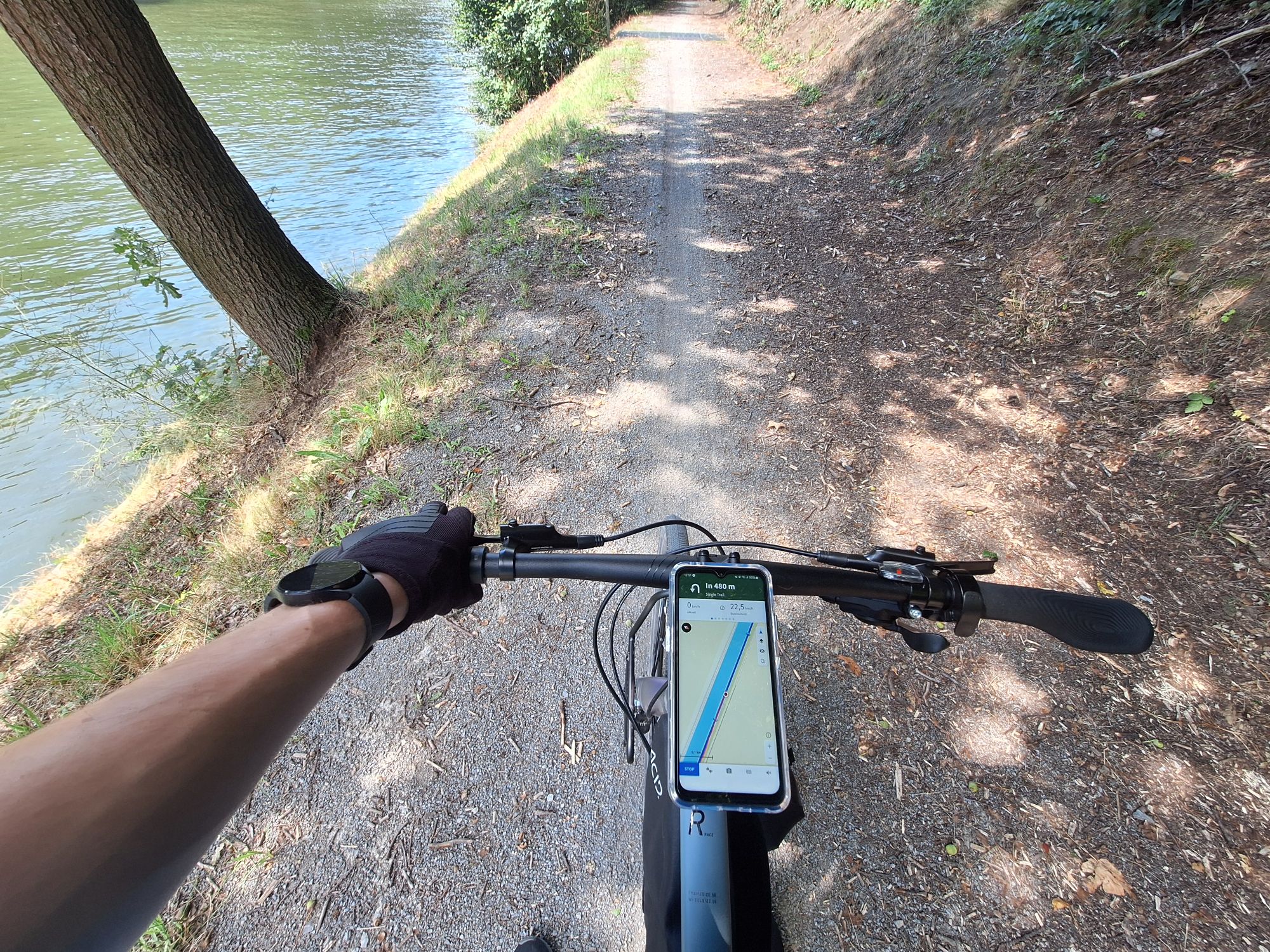
That’s why I ordered a new phone specifically as a bike computer with Komoot installed. Including the bike mount, it was no more expensive than the Wahoo. I chose the Samsung Galaxy XCover7, a phone made for the outdoors. It has a killer feature: a removable battery! On long trips, I can just take a second battery and swap it out instead of charging the phone.
Small side note: I really like this phone, given it only costs 250€, it has a removable battery, a headphone jack, eSIM support, and it feels quite sturdy. The only downsides preventing me from using a phone like this as my primary phone are the display (no OLED), the poor camera, and the missing fingerprint reader. But for the bike, it’s more than enough…
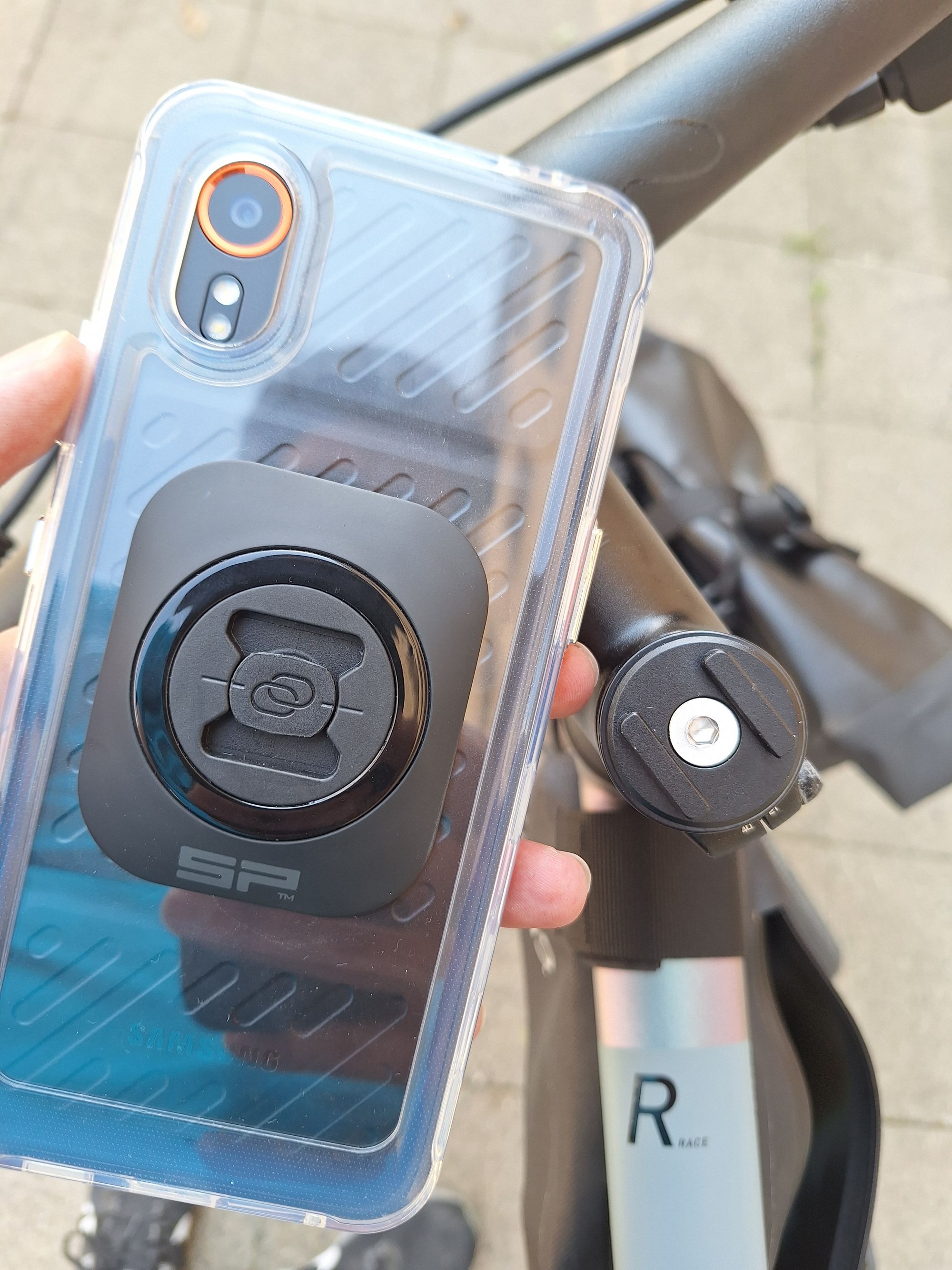
To connect it to my bike, I bought a cheap case for the phone, attached the SP Connect Universal Interface on top, and screwed the SP Connect Micro Stem Mount to the stem of my bike. The case came with a tempered glass screen protector.
After setting everything up today, I took my first ride with it. I have to say, I’m happy with the solution. Today, I used my primary phone to set up a hotspot for the bike phone, but I plan to install an eSIM on the bike phone (yes, even though it’s quite cheap, it supports eSIM!) to use it independently. I still need to tweak some settings, but being able to see the map has already helped me stay on track.
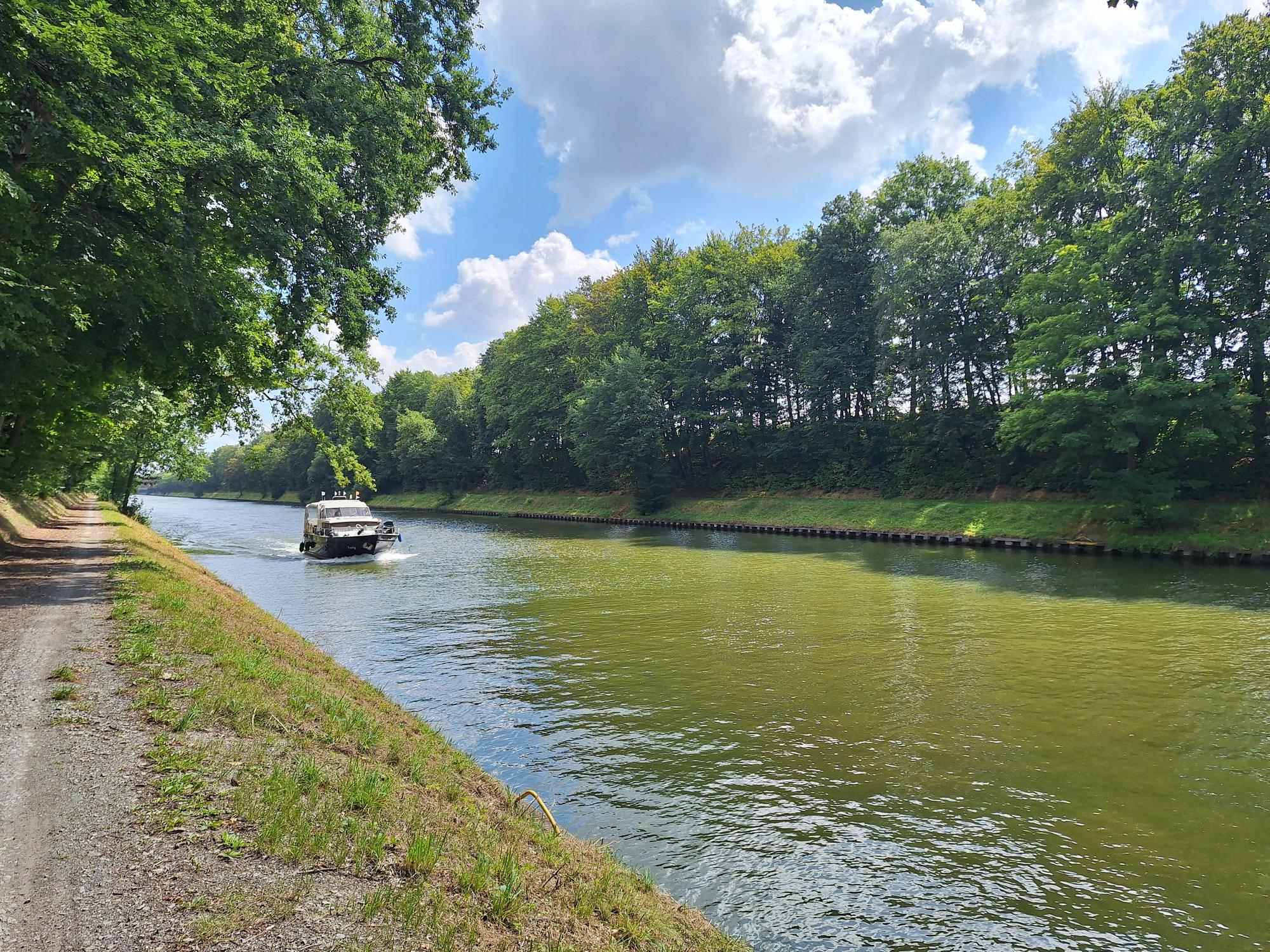
Tour along the canals 🏁 27.33 kilometers ⏱ 1:22:10 ⬆️ 146 meters ⬇️ 163 meters