Is it a bad buy?
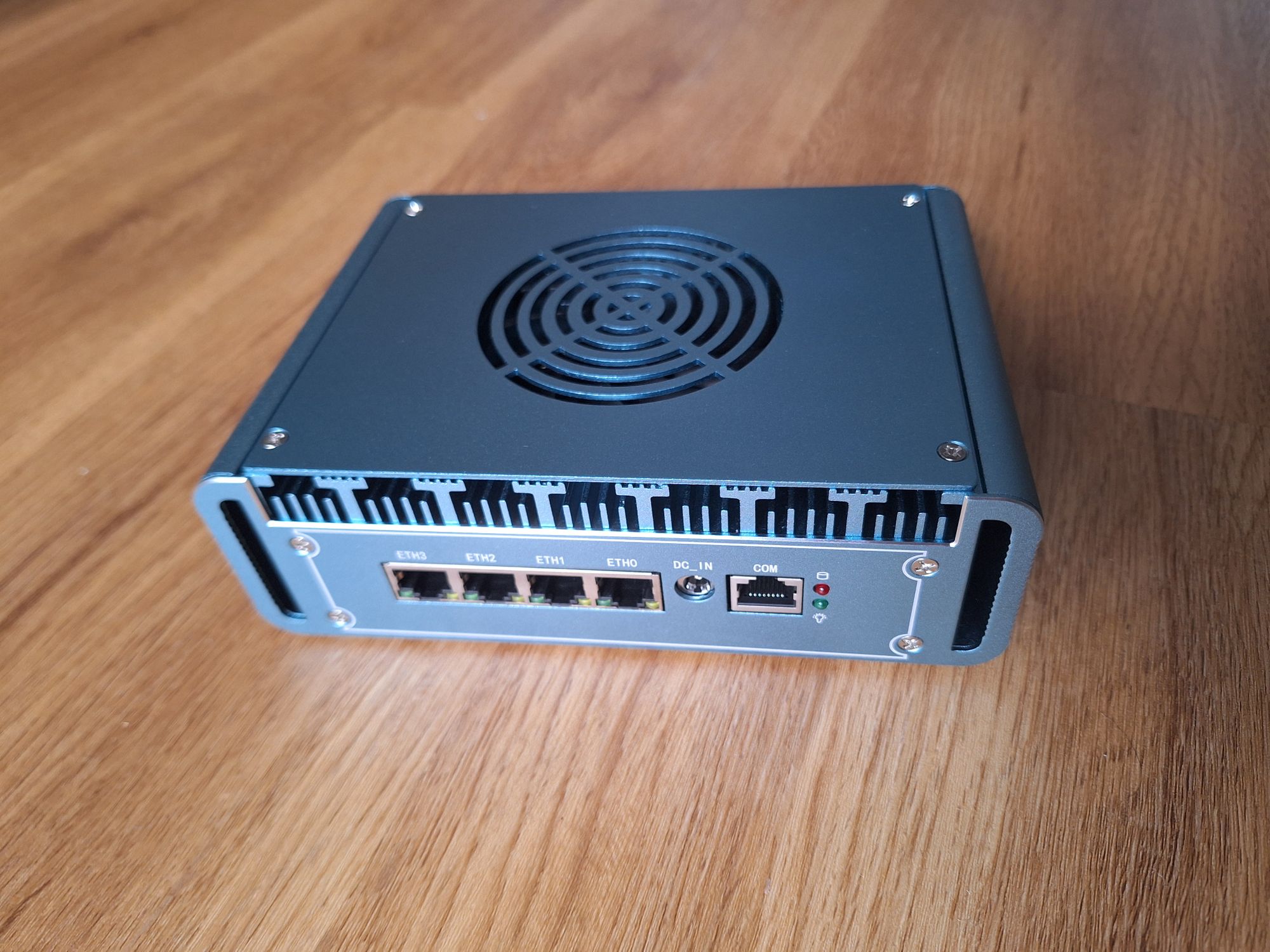
⚠️ This entry is already over one year old. It may no longer be up to date. Opinions may have changed.Some weeks ago, I wrote about my first experiences with Proxmox, which I had been playing with to make use of an old, small-size desktop PC. I also considered virtualizing my home router. A few weeks later, a small “firewall appliance” (just a mini PC with an Intel N150 CPU and four 2.5 GbE ports) from the brand Topton arrived, along with a used 16 GB DDR5 memory stick and a 1 TB NVMe, both of which I had ordered separately. This was the setup intended to run my virtualized router.
After reading that it’s a good idea to check the BIOS after getting a new mini PC from China, I did so. I set some values back to reasonable defaults (like the temperatures that trigger the fan and the power levels for the CPU) before installing Proxmox and starting to virtualize OpenWRT.
I was able to completely replicate my current setup, which uses a dedicated GL.iNet Beryl AX running vanilla OpenWRT. I even replaced my router with it for a few hours to test it in a real-world “production use” scenario. Unfortunately, I somehow experienced some weird latency issues from time to time. I ran countless speed tests and tried different network adapter settings in Proxmox (using network bridges, mapped PCI devices, and direct PCI device passthrough) as well as different CPU and memory settings. None of these changes helped much. The test results weren’t bad, but they were worse than the results from the Beryl AX. Maybe with a more stable internet connection and not via 5G, I wouldn’t have even noticed, but SQM with CAKE is critical for a good internet experience in my setup.
I was already thinking about sending the PC back or selling it on eBay. Then, I did some more research and stumbled upon NixOS, which I had used years ago as the main Linux distro on my laptop. I read posts from people who were using NixOS to build a router. After all, OpenWRT is also Linux-based, and most of its packages can be configured similarly using functional Nix files.
So, I installed NixOS and, with the help of various AI agents, put together a good setup. I was able to build one that supports both IPv4 and IPv6 and uses AdGuard’s dnsproxy tool (which I am already using with OpenWRT) to proxy all DNS requests to my AdGuard Home instance. After some more fiddling and disabling IPv6, I was also capable of setting up CAKE queues. The first attempt, using a lot of code generated by the AIs, didn’t work. The second attempt, which just used the CAKE settings of systemd-networkd, was successful. I verified that the settings were the same ones OpenWRT used (by running some tc commands on both consoles), but when connecting the 5G modem to the NixOS router, I still had high jitter values – higher than I get with the OpenWRT setup, even on Wi-Fi.
Now I’m annoyed with myself. Why did I immediately buy a new device and spend 200 € on new tech that will probably just sit unused on a shelf?
I see three options now:
- I try again to fix the setup, maybe finding out where the latency spikes originate. Could there be something wrong with the hardware? Or is it my configuration?
- I use the device as a new home server, replacing my old one. Perhaps I could use Proxmox or NixOS instead of Ubuntu to keep it better organized. Then I should also install more services than just Home Assistant, perhaps something like Jellyfin to build a local streaming service.
- I sell the device.
What do you think?
Even if it’s a bad buy, at least I learned a couple new things on the way…